


Docs
What LabRat records, what its collector observes, and which changes stay under your control.
Know what's lurking in your lab
LabRat is a local-first discovery and physical inventory app for a homelab. A read-only collector reads your UniFi Network and Proxmox VE controllers, finds NUT UPS servers in the networks you allow it to scan, and can listen for MikroTik announcements. The web app shows what it found and where each piece of equipment lives: locations, areas, racks, shelves, ports, and cables.
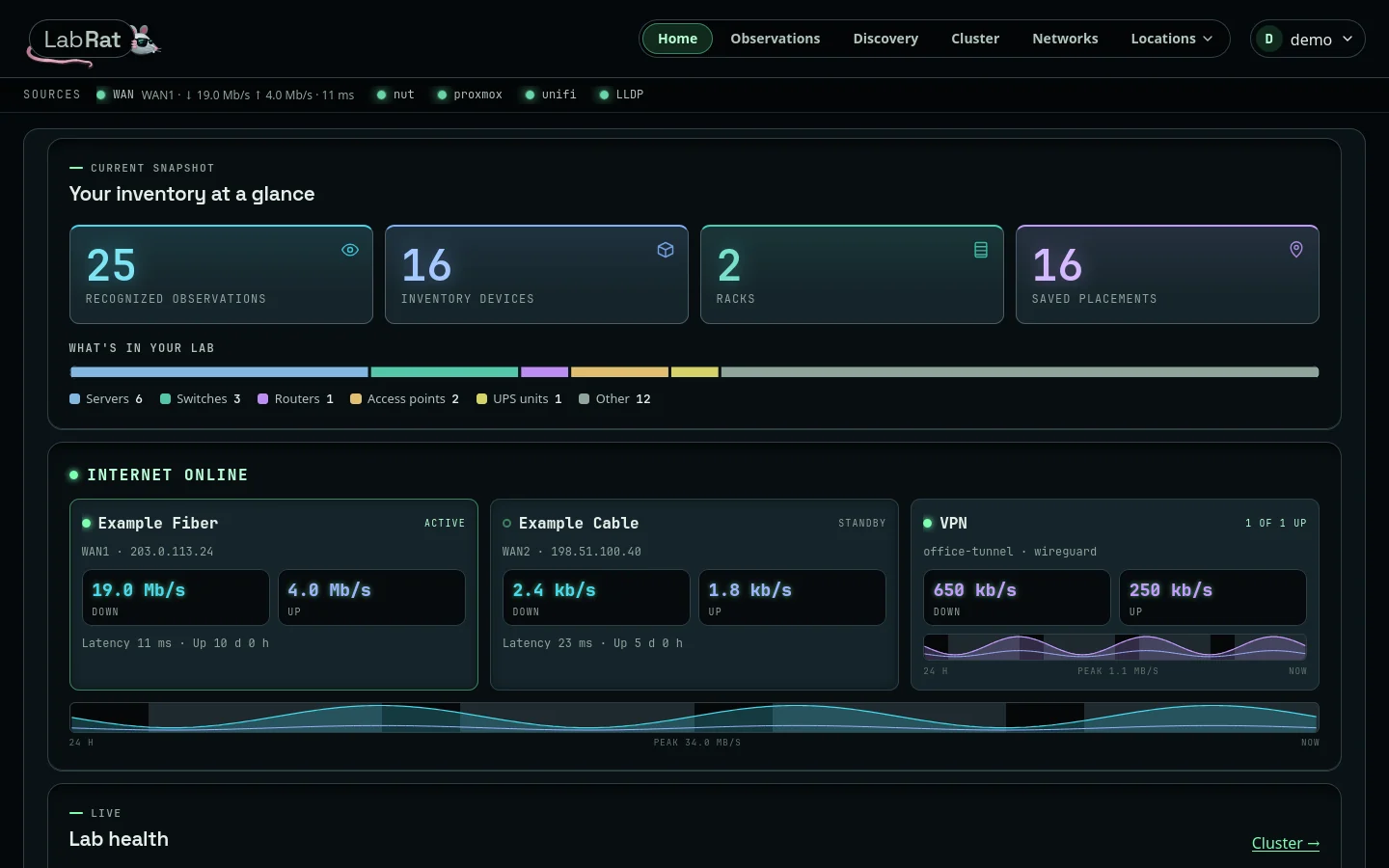
How the pieces fit
- The collector observes. It runs on its own schedule, sends only read requests, and writes what it sees to a local cache. Browsing LabRat never contacts a controller.
- You decide what it means. A discovered device is an observation until an administrator places it or links it to an inventory record. LabRat never merges records or moves equipment on its own.
- The inventory is yours. Locations, areas, rack positions, and names you choose survive later scans, and the whole install can be exported and imported from Settings to move it.
01 / Start
Setup
Install, create the administrator, connect integrations, and choose what the collector may scan.
02 / Pages
Tour
Home, Observations, Discovery, Cluster, Networks, Locations, and each area's Floor plan, Equipment, and Diagram.
03 / Model
Inventory and placement
Locations, areas, rack positions, identity, and where link evidence comes from.
04 / Sources
Discovery and provenance
What UniFi, Proxmox, Pi-hole, NUT, SNMP, and MikroTik report, and how observations stay separate.
05 / Reference
API routes
Paths, methods, and access rules, read from the running app.